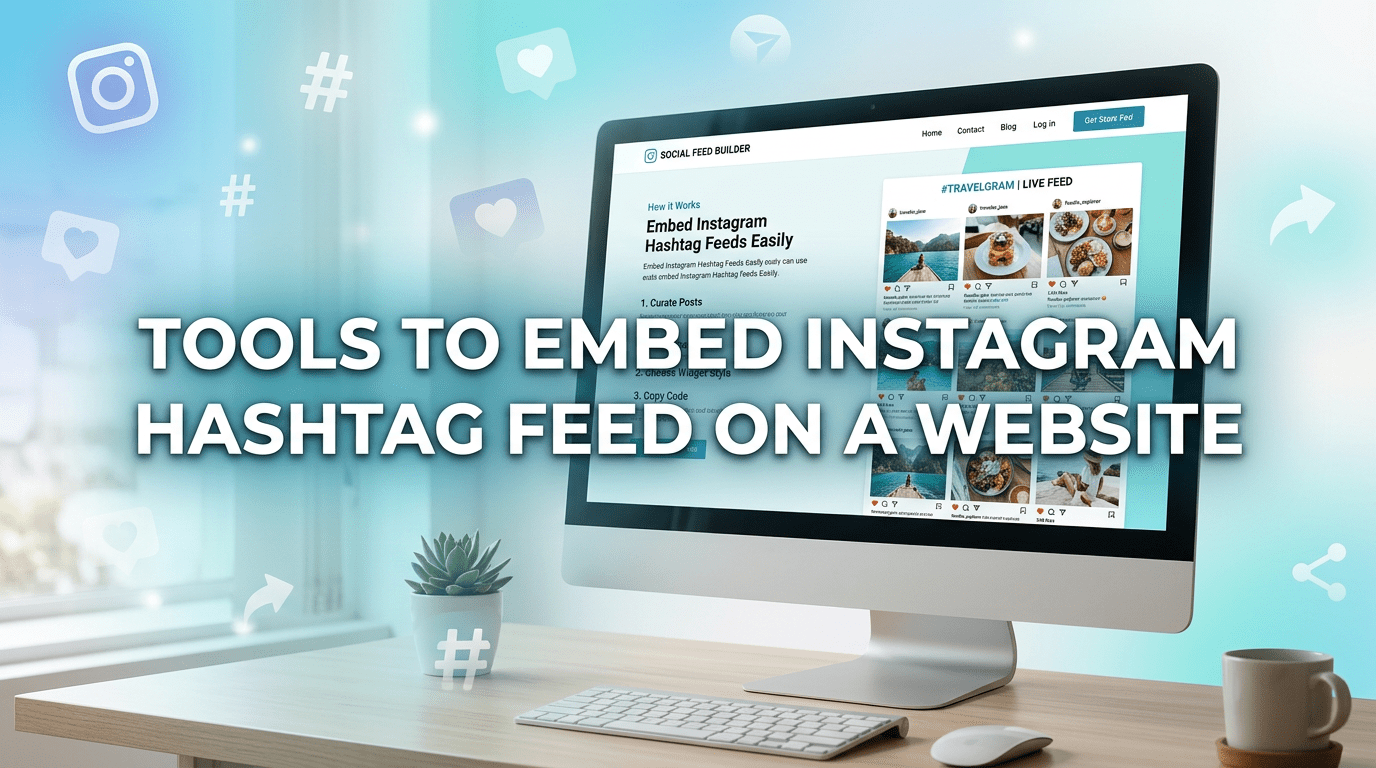
Instagram hashtags are one of the most powerful ways to discover and showcase content. Brands, creators, and businesses use hashtags to increase reach, build communities, and highlight user-generated content.
But did you know you can bring that hashtag content directly to your website?
With the help of an instagram widget, you can easily embed an Instagram hashtag feed on your website. This allows you to display posts collected from specific hashtags, making your website more engaging, dynamic, and social.
In this blog, we’ll explore the top tools to embed Instagram hashtag feeds on a website, helping you choose the best option based on your needs.
Why Embed Instagram Hashtag Feeds on Your Website?
Before diving into the tools, let’s understand the benefits of instagram widget, especially when using hashtag feeds.
Key Benefits:
- Showcases user-generated content (UGC)
Display posts created by your customers using your branded hashtag. - Builds social proof
Real content from real users increases trust and credibility. - Keeps your website fresh
Hashtag feeds update automatically with new posts. - Boosts engagement
Visitors interact more with dynamic, visual content. - Strengthens brand community
Encourages users to participate in your campaigns.
1. Taggbox
Best for: Advanced hashtag campaigns and shoppable feeds
Taggbox is one of the most powerful tools to embed Instagram hashtag feeds on your website. It allows you to collect content using hashtags and display it in a visually engaging format.
Key Features:
- Hashtag-based content collection
- Advanced moderation and filtering
- Customizable layouts and themes
- Shoppable Instagram feeds
- Real-time updates
Why Choose Taggbox?
Taggbox is ideal for brands running hashtag campaigns. It helps you turn user-generated content into a powerful marketing tool while maintaining full control over what appears on your website.
2. Smash Balloon
Best for: WordPress hashtag feeds
Smash Balloon is a popular plugin that allows you to display Instagram feeds, including hashtag-based content, on WordPress websites.
Key Features:
- Easy setup
- Responsive feed design
- Customizable layouts
- SEO-friendly display
Why Choose Smash Balloon?
If you’re using WordPress, Smash Balloon offers a reliable way to embed hashtag feeds without technical complexity.
3. Spotlight Social Feeds
Best for: Visual customization
Spotlight Social Feeds helps you create visually appealing hashtag feeds for your website.
Key Features:
- Drag-and-drop customization
- Hashtag and tagged post support
- Responsive design
- Fast performance
Why Choose Spotlight?
Perfect for brands that want visually stunning hashtag feeds that match their website design.
4. Tagembed
Best for: Social media aggregation
Tagembed is a powerful social media aggregator that allows you to embed Instagram hashtag feeds using an easy-to-use instagram widget.
Key Features:
- Collect posts using hashtags
- Real-time updates
- Multiple themes and layouts
- No coding required
- Content moderation panel
Why Choose Tagembed?
Tagembed is perfect for beginners and small businesses. It simplifies the process of embedding hashtag feeds while offering flexibility and scalability.
5. Juicer
Best for: Multi-platform hashtag feeds
Juicer allows you to combine Instagram hashtag feeds with other social media content.
Key Features:
- Multi-platform aggregation
- Hashtag-based content collection
- Easy embedding
- Clean interface
Why Choose Juicer?
If you want to display hashtag feeds along with other social platforms, Juicer is a great option.
6. Curator.io
Best for: Budget-friendly solution
Curator.io offers a simple and cost-effective way to embed Instagram hashtag feeds.
Key Features:
- Free plan available
- Easy content curation
- Clean layout
- Quick setup
Why Choose Curator.io?
Ideal for startups and individuals looking for a budget-friendly option.
7. Flockler
Best for: Enterprise-level needs
Flockler is designed for businesses that require advanced features and scalability.
Key Features:
- Advanced moderation tools
- High-quality feed display
- Analytics and insights
- Multi-platform support
Why Choose Flockler?
Perfect for large brands that need detailed analytics and premium performance.
8. SnapWidget
Best for: Simple hashtag widgets
SnapWidget is an easy-to-use tool for embedding Instagram hashtag feeds quickly.
Key Features:
- Quick widget creation
- Hashtag feed support
- Mobile-friendly design
- No coding required
Why Choose SnapWidget?
Great for users who want a simple and fast solution.
9. Walls.io
Best for: Social walls with hashtag feeds
Walls.io allows you to create a social wall that includes Instagram hashtag content.
Key Features:
- Social wall creation
- Hashtag integration
- Customizable design
- Real-time updates
Why Choose Walls.io?
Ideal for events, campaigns, and interactive websites.
10. Onstipe
Best for: Marketing campaigns
Onstipe helps brands display Instagram hashtag feeds as part of marketing campaigns.
Key Features:
- Campaign-focused features
- Custom layouts
- Real-time updates
- Analytics tools
Why Choose Onstipe?
Perfect for marketers who want to leverage hashtag campaigns effectively.
How to Choose the Right Tool?
Here’s how to pick the best tool based on your needs:
- For advanced features: Taggbox
- For beginners: Tagembed or SnapWidget
- For WordPress: Smash Balloon
- For multi-platform feeds: Juicer
- For budget users: Curator.io
- For enterprises: Flockler
Steps to Embed Instagram Hashtag Feed on Your Website
Follow these simple steps:
- Sign up for your preferred tool
- Connect your Instagram account
- Enter your hashtag (e.g., #YourBrandName)
- Customize your instagram widget
- Generate embed code
- Paste the code into your website
Your hashtag feed will now update automatically.
Benefit of Instagram Widget for Hashtag Feeds
Using an instagram widget for hashtag feeds offers multiple advantages:
- Displays real user-generated content
- Builds trust and authenticity
- Keeps your website visually engaging
- Encourages hashtag participation
- Strengthens your brand community
These are key benefit of instagram widget that help improve your overall digital strategy.
SEO Benefits of Hashtag Feeds
Embedding hashtag feeds can also support your SEO:
- Fresh content improves rankings
- Increased engagement reduces bounce rate
- Better user experience boosts dwell time
- Social proof enhances credibility
Best Practices for Hashtag Feeds
To get the best results:
- Use a branded hashtag
- Moderate content before displaying
- Keep your design consistent
- Optimize for mobile devices
- Update campaigns regularly
Final Thoughts
Embedding Instagram hashtag feeds on your website is a powerful way to showcase user-generated content, build trust, and increase engagement.
Tools like Taggbox, Smash Balloon, and Tagembed make it easy to embed hashtag feeds using a customizable instagram widget. Whether you’re running a marketing campaign or simply want to display social content, these tools offer solutions for every need.
By leveraging the benefit of instagram widget, you can turn your website into a dynamic and engaging platform that reflects your brand’s social presence.
 Social Feeds
Leave a comment