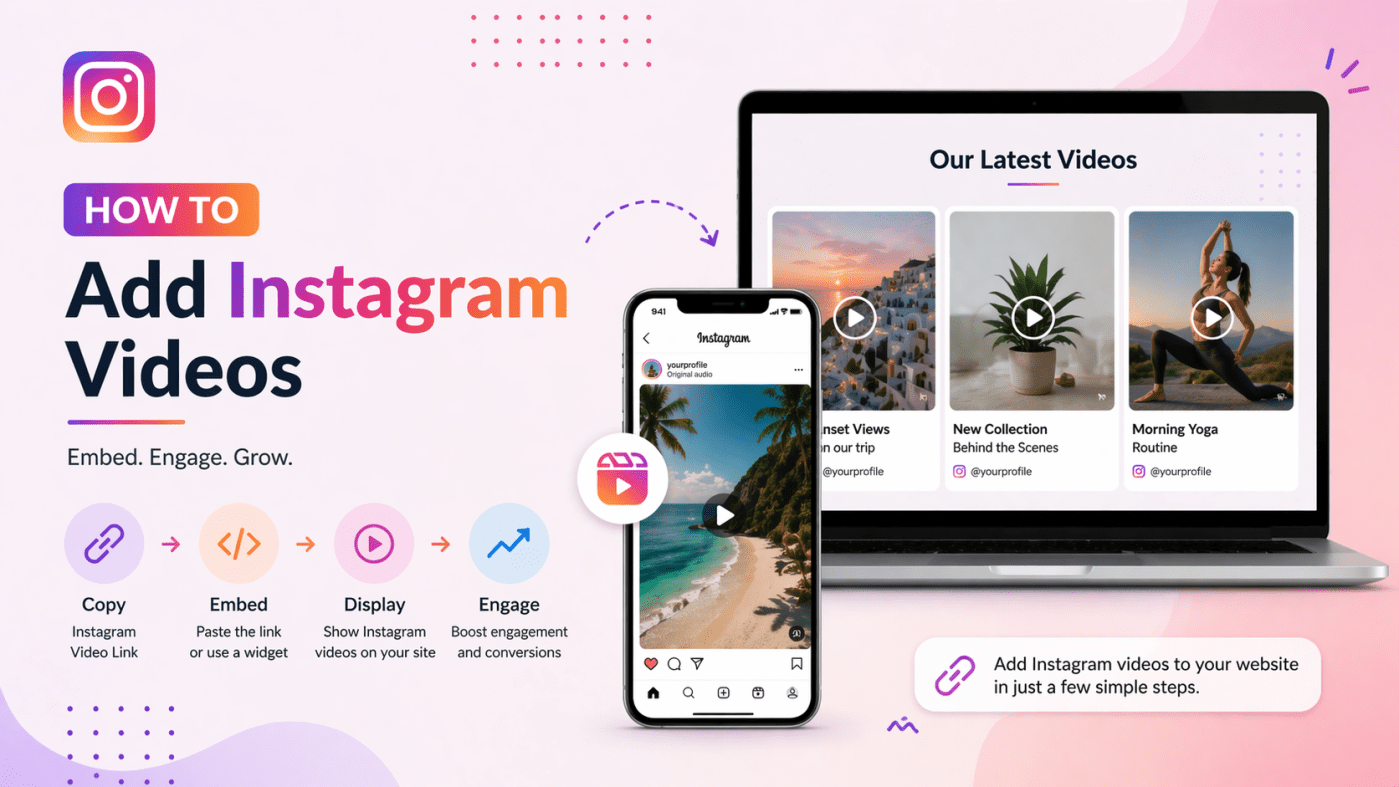
Instagram videos are one of the most engaging types of content today. Whether it’s reels, stories, or regular posts, videos help capture attention quickly and keep visitors on your website longer. If you want to make your website more dynamic and visually appealing, adding Instagram videos is a smart move.
In this simple guide, you’ll learn how to add Instagram videos to your website step by step using different methods. This blog is written in an easy-to-understand format and optimized to answer common user questions (AEO-optimized), so you can quickly find what you need.
Why Add Instagram Videos to Your Website?
Before we dive into the steps, let’s understand why this matters.
- Boost engagement: Videos keep visitors interested longer
- Improve website design: Adds dynamic and fresh content
- Build trust: Shows real-time updates from your brand
- Increase conversions: Social proof can influence decisions
- Keep content updated automatically: No need to upload manually
If you’re running a business, blog, or portfolio, embedding Instagram videos can significantly improve your site performance.
Methods to Add Instagram Videos on a Website
There are multiple ways to embed Instagram videos. You can choose based on your technical knowledge and needs.
1. Using Instagram Embed Code (Manual Method)
This is the simplest and free method provided by Instagram itself.
Steps:
- Open Instagram and go to the video you want to embed
- Click on the three dots (⋯) on the post
- Select Embed
- Copy the embed code
- Paste it into your website’s HTML section
Where to paste the code?
- In WordPress: Use a Custom HTML block
- In HTML websites: Paste directly into your code
- In website builders: Use an embed or HTML widget
Pros:
- Free and easy
- No extra tools required
Cons:
- Only one video at a time
- No customization options
- Doesn’t update automatically
2. Using an Instagram Feed Widget (Best Method)
If you want to display multiple videos or create a visually appealing section, using an instagram feed widget is the best option.
These tools allow you to collect and display Instagram videos in a structured format like grids, sliders, or galleries.
Steps:
- Choose a social media aggregator tool
- Connect your Instagram account
- Select videos or reels you want to display
- Customize layout (grid, carousel, etc.)
- Copy the embed code
- Paste it on your website
Benefits:
- Displays multiple videos in one place
- Fully customizable design
- Auto-updates with new content
- Mobile responsive
- Improves user experience
This method is ideal for businesses and marketers who want a professional look.
3. Using Website Plugins (For WordPress Users)
If you are using WordPress, plugins make the process even easier.
Steps:
- Go to your WordPress dashboard
- Navigate to Plugins → Add New
- Search for an Instagram plugin
- Install and activate it
- Connect your Instagram account
- Add the feed to your page using a shortcode or block
Pros:
- Beginner-friendly
- No coding required
- Easy customization
Cons:
- Some plugins are paid
- May slow down the website if not optimized
4. Using iFrame (Alternative Method)
You can also embed Instagram videos using an iFrame, though this is less common.
Example:
http://INSTAGRAM_POST_URL
Pros:
- Simple for developers
Cons:
- Limited flexibility
- Not responsive by default
Best Practices for Embedding Instagram Videos
To get the best results, follow these simple tips:
1. Keep It Relevant
Only embed videos that match your website content. Random videos can confuse visitors.
2. Optimize Loading Speed
Too many videos can slow down your site. Use lightweight tools or limit the number of embeds.
3. Use Responsive Layouts
Make sure videos look good on mobile, tablet, and desktop.
4. Add Captions or Context
Explain why the video is important. This improves user engagement.
5. Update Content Regularly
Fresh content keeps your website active and interesting.
Instagram Feed Example for Websites
Let’s understand how a good instagram feed example looks on a website.
A well-designed feed usually includes:
- A grid or carousel layout
- High-quality video thumbnails
- Clickable posts that open on Instagram
- Consistent branding
For example, an eCommerce website may display:
- Product demo videos
- Customer testimonials
- Behind-the-scenes reels
This helps visitors connect with your brand and increases trust.
Where Can You Add Instagram Videos?
You can embed Instagram videos in different parts of your website:
Homepage
Show trending or featured videos to instantly grab attention.
Product Pages
Display product-related reels or demos.
Blog Posts
Enhance your content with relevant Instagram videos.
Landing Pages
Increase conversions by adding social proof.
Footer or Sidebar
Keep your website visually engaging across all pages.
Tips to Improve SEO with Instagram Videos
Embedding Instagram videos can also help your SEO if done correctly.
- Increase time on page: Videos keep users engaged longer
- Reduce bounce rate: Interactive content improves retention
- Add alt text and descriptions: Helps search engines understand content
- Use structured layouts: Improves readability
Mistakes to Avoid
- Embedding too many videos at once
- Ignoring mobile responsiveness
- Using low-quality or irrelevant content
- Not testing page speed
- Skipping customization
Avoiding these mistakes will ensure your website performs well.
Final Thoughts
Adding Instagram videos to your website is a simple yet powerful way to improve engagement, build trust, and enhance your overall design. Whether you choose manual embedding or a widget-based approach, the key is to keep your content relevant, visually appealing, and optimized for performance.
Start with a method that suits your needs, and gradually improve your setup as your website grows.


Leave a comment