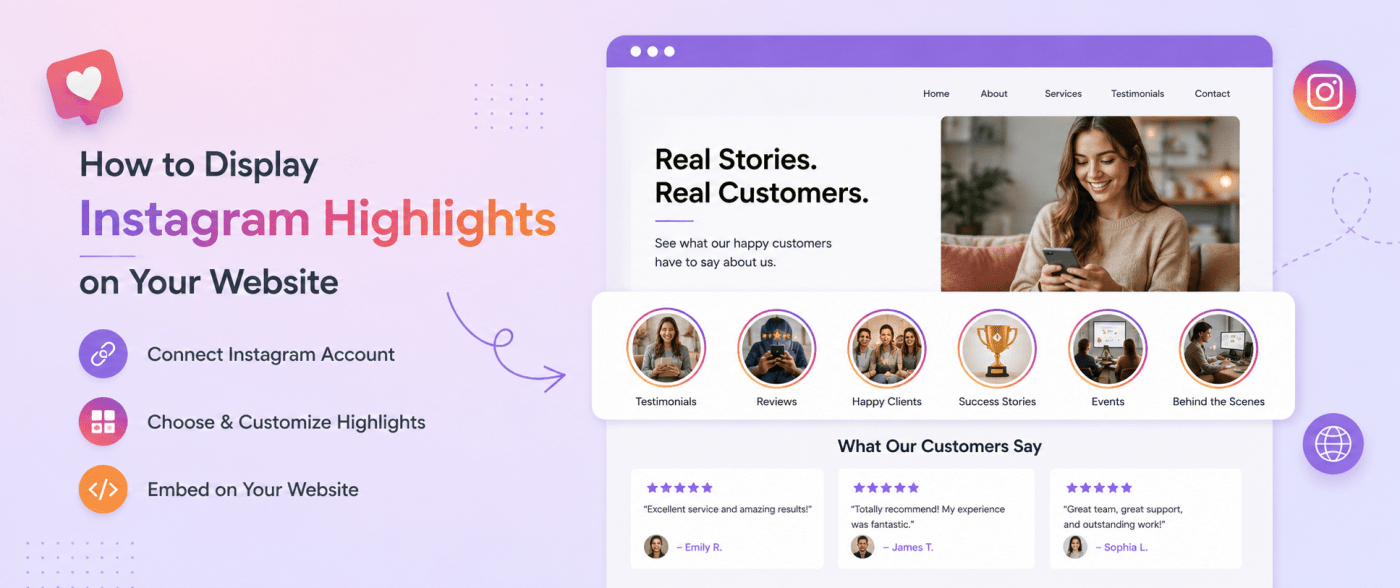
Instagram has become more than just a platform for sharing photos and videos. For businesses, it has become a place to showcase products, share customer experiences, build relationships, and create a strong brand presence.
One of the most useful Instagram features for businesses is Instagram Highlights. Unlike Stories that disappear after 24 hours, Highlights allow you to keep important content visible on your profile for a longer period.
Businesses often use Instagram Highlights to display customer reviews, product collections, tutorials, FAQs, events, and behind-the-scenes content. But keeping this valuable content only on Instagram means website visitors may never see it.
Displaying Instagram Highlights on your website allows you to bring social proof and engaging content directly to your visitors. It helps create a more interactive website experience while keeping your pages fresh with regularly updated Instagram content.
In this guide, we will explain what Instagram Highlights are, why you should display them on your website, and how you can add Instagram content to your website easily.
What Are Instagram Highlights?
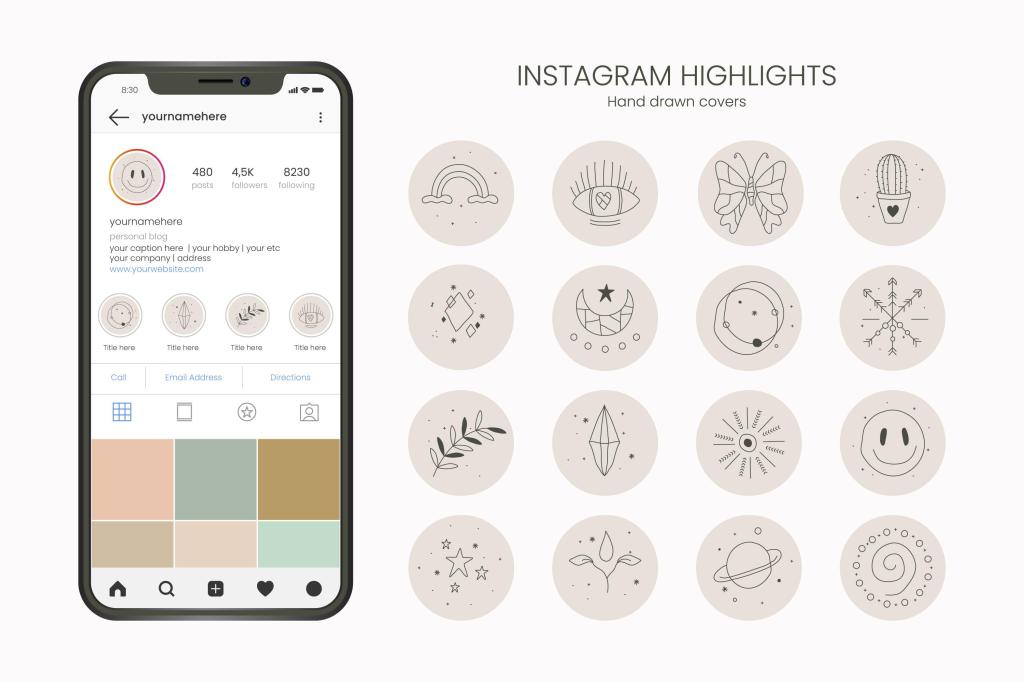
Instagram Highlights are collections of saved Instagram Stories that remain visible on your profile even after the original Story expires.
Normally, Instagram Stories disappear after 24 hours. However, when you save Stories as Highlights, they stay available below your Instagram bio until you remove them.
Businesses use Highlights to organize important information into different categories, such as:
- Customer testimonials
- Product showcases
- New launches
- Tutorials
- Frequently asked questions
- Events
- Brand updates
For example, a clothing brand may create separate Highlights for new collections, customer photos, and offers. A service-based business may use Highlights to display reviews, case studies, and FAQs.
If you want to learn more about creating and managing Instagram Highlights, check out our detailed guide on Instagram Highlights.
Why Display Instagram Highlights on Your Website?
Your website is often the first place where potential customers learn about your business. Adding Instagram Highlights to your website helps connect your social media presence with your online store or business site.
Here are some key benefits of displaying Instagram Highlights on your website.
Build Trust With Social Proof
Customer experiences can strongly influence buying decisions.
When website visitors see real customer reviews, testimonials, and user-generated content from Instagram, it creates a sense of trust. People are more likely to engage with a brand when they can see authentic experiences from other customers.
Displaying Instagram Highlights featuring customer feedback can help:
- Showcase happy customers
- Highlight real product experiences
- Increase brand confidence
- Support purchase decisions
Keep Website Content Fresh
Updating website content regularly can take time.
An Instagram Highlights widget helps display fresh social media content without manually changing website sections every time. Whenever you update your Instagram content, the website display can also stay updated.
This helps keep your website active and visually engaging.
Increase Website Engagement
Visitors are more likely to spend time on a website that includes interactive and visual content.
Instagram Highlights can encourage users to explore:
- Customer stories
- Product demonstrations
- Brand updates
- Social media posts
This creates a more engaging browsing experience and helps visitors understand your brand better.
Create a Better Brand Experience
Your Instagram profile and website represent the same brand.
Displaying Instagram Highlights on your website creates a connection between these two platforms. Visitors can see your brand personality, customer interactions, and latest updates without leaving your website.
Improve Conversion Opportunities
Social proof can be useful throughout the customer journey.
Businesses can display Instagram Highlights on:
- Homepage sections
- Product pages
- Landing pages
- Review pages
Showing real customer experiences near decision-making points can help visitors feel more confident.
Methods to Display Instagram Highlights on Your Website
There are different ways to add Instagram content to your website. The right method depends on your technical knowledge and requirements.
Method 1: Manually Add Instagram Content
The simplest approach is adding Instagram content manually.
This involves:
- Taking screenshots of Stories
- Downloading Instagram images or videos
- Uploading them to your website
- Updating content regularly
While this method works for small amounts of content, it has some limitations.
Limitations of Manual Updates
- Requires regular maintenance
- Takes extra time
- Content can become outdated
- Does not provide automatic updates
For businesses that frequently post on Instagram, a more automated solution can save time.
Method 2: Use an Instagram Widget
An Instagram widget provides an easier way to display Instagram content on your website.
Instead of manually uploading content, a widget collects and displays Instagram content automatically.
Benefits of using an Instagram widget include:
- Automatic content updates
- No advanced coding required
- Customizable layouts
- Mobile-friendly display
- Easy website integration
Tools like Tagembed allow businesses to collect social media content and display it on websites using an easy embedding process.
How to Display Instagram Highlights on Your Website Using Tagembed
Adding Instagram content to your website with Tagembed can be done in a few simple steps.
Step 1: Create Your Tagembed Account
Start by creating an account with Tagembed.
After signing in, choose Instagram as your content source.
Step 2: Connect Your Instagram Account
Connect your Instagram account and select the type of content you want to display.
You can choose relevant Instagram content that matches your website goals.
For example:
- Customer reviews
- Product content
- Brand updates
- User-generated posts
Step 3: Customize Your Instagram Widget
Before adding the widget to your website, customize its appearance.
You can adjust:
- Layout style
- Theme
- Display options
- Spacing
- Design elements
Customization helps ensure that the Instagram widget matches your website design.
Step 4: Generate the Embed Code
Once your widget is ready, generate the embed code.
Copy the provided code to add the Instagram widget to your website.
Step 5: Add the Widget to Your Website
Paste the embed code into your website editor.
Instagram widgets can be added to different website platforms, including:
- WordPress
- Shopify
- Wix
- Squarespace
- HTML websites
After adding the code, your Instagram content will appear on your website.
Best Places to Display Instagram Highlights on Your Website
Where you place Instagram Highlights can affect how visitors interact with your content.
Homepage
The homepage is one of the best places to display Instagram content.
It helps create a strong first impression and immediately shows visitors what your brand is about.
Product Pages
Product pages are ideal for displaying customer reviews, product photos, and user-generated content.
This can help visitors understand how your products look in real-life situations.
Landing Pages
Adding Instagram Highlights to landing pages can improve trust and support marketing campaigns.
For example, a campaign page can include customer feedback related to a specific product or service.
Testimonial Pages
A testimonial page becomes more engaging when it includes real customer experiences from Instagram.
You can showcase:
- Customer Stories
- Reviews
- Product feedback
Event Pages
For businesses that host events, Instagram content can help display:
- Event highlights
- Guest experiences
- Behind-the-scenes moments
Best Practices for Adding Instagram Highlights to Your Website
Choose Relevant Content
Not every Instagram post needs to appear on your website.
Select content that supports your goals, such as:
- Customer reviews
- Product demonstrations
- Brand stories
Keep Your Instagram Content Updated
Fresh content makes your website more engaging.
Regular Instagram activity helps ensure your website visitors see current updates.
Maintain Brand Consistency
The Instagram widget design should match your website style.
Use layouts and customization options that fit your branding.
Highlight Customer Content
Customer-generated content is valuable because it shows real experiences.
Focus on displaying:
- Reviews
- Testimonials
- Customer photos
- Product mentions
Optimize for Mobile Users
Many visitors browse websites on mobile devices.
Make sure your Instagram widget works properly across different screen sizes.
Benefits of Using an Instagram Highlights Widget
An Instagram Highlights widget can help businesses improve their website experience.
Key benefits include:
- Saves time through automatic updates
- Adds visual content to website pages
- Builds customer trust
- Improves visitor engagement
- Connects social media and website marketing
- Keeps website content updated
Conclusion
Instagram Highlights are a valuable way to organize and showcase important Instagram content. However, limiting this content to your Instagram profile means missing opportunities to engage website visitors.
By displaying Instagram Highlights on your website, you can bring customer stories, product updates, and social proof directly to your audience.
Whether you want to showcase reviews, promote products, or keep your website visually fresh, an Instagram widget provides a simple way to connect your social media content with your website experience.
With the right strategy, Instagram Highlights can become more than just a profile feature — they can become a powerful part of your website marketing efforts.
Frequently Asked Questions
1. Can I embed Instagram Highlights directly on my website?
Yes, you can display Instagram content on your website using an Instagram widget. This allows you to showcase selected content without manually uploading every update.
2. Do Instagram Highlights automatically update on a website?
With an Instagram widget solution, new content can be displayed automatically based on your selected settings.
3. Can I display Instagram Highlights without coding?
Yes. Many Instagram widget tools provide a simple copy-and-paste embedding process that does not require technical knowledge.
4. Which website platforms support Instagram widgets?
Instagram widgets can be added to platforms such as WordPress, Shopify, Wix, Squarespace, and custom HTML websites.
5. Can I customize an Instagram Highlights widget?
Yes. Most widget solutions allow customization options such as layout, themes, spacing, and design settings.
6. How can Instagram Highlights improve website conversions?
Instagram Highlights can display customer experiences, reviews, and product content that help visitors trust your brand and make informed decisions.


Leave a comment